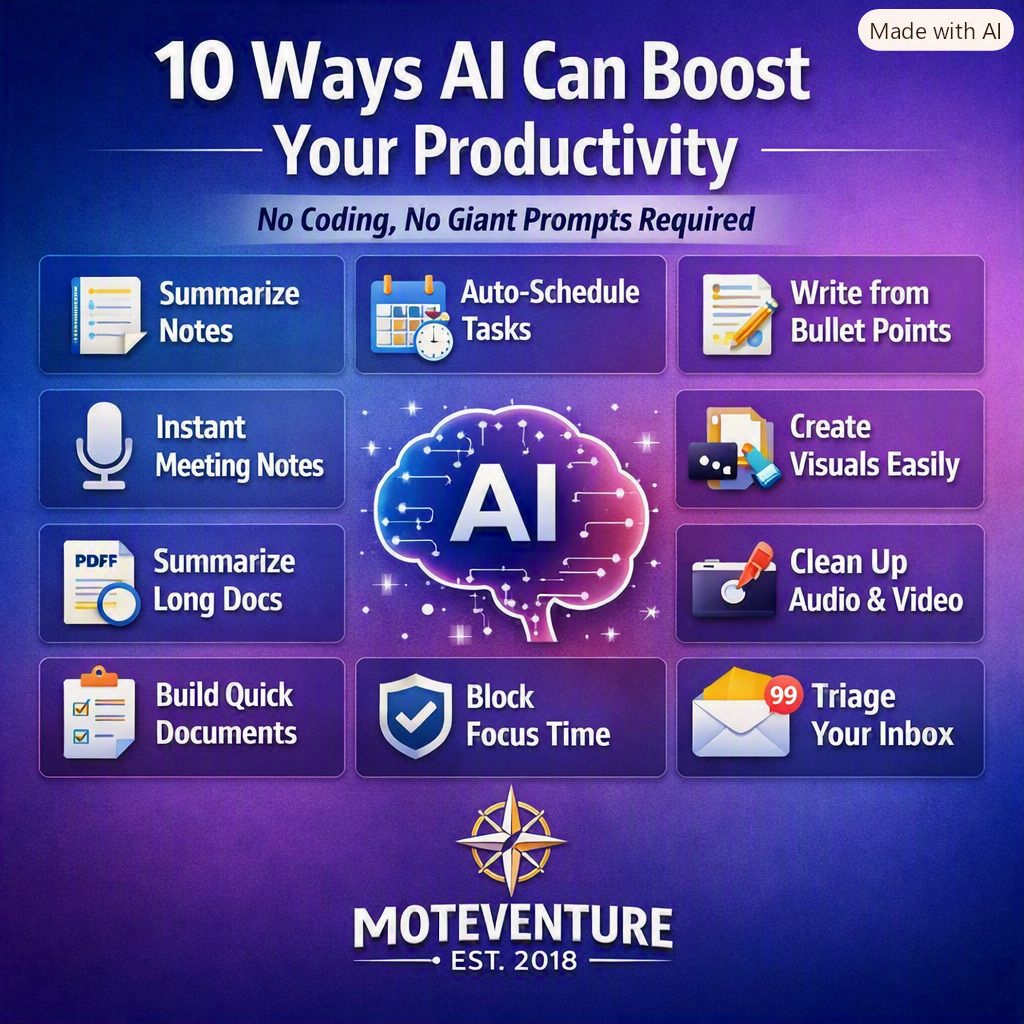
AI isn’t just for tech pros anymore. The newest wave of tools is built for regular humans — people juggling work, life, side projects, and a calendar that never seems to slow down. You don’t need to understand algorithms. You don’t need to write code. You don’t even need to craft elaborate prompts.
You just need to know what AI can do for you right now.
Below are ten practical, real‑world ways AI boosts productivity, backed by how modern tools are actually being used today — from auto‑scheduling to instant meeting notes to smarter writing help.
1️⃣ Turn messy notes into clean summaries
AI assistants like ChatGPT and Claude can take a wall of text — meeting notes, brainstorm scribbles, research dumps — and turn it into clean takeaways, action items, or bullet‑point summaries.
2️⃣ Auto‑schedule your day around real life
Tools like Motion and Reclaim automatically reorganize your calendar when meetings shift, deadlines move, or new tasks pop up. No coding. No setup headaches. Just plug in your tasks and let AI handle the logistics.
3️⃣ Write emails, posts, and reports from a few bullet points
Modern AI writing tools can turn a short idea into a polished draft — saving minutes on small tasks and hours on bigger ones.
4️⃣ Get instant meeting notes without typing
AI notetakers like Otter.ai join your calls, transcribe everything, identify speakers, and pull out action items automatically. Perfect for anyone who lives in Zoom or Teams.
5️⃣ Summarize PDFs, research, or long documents
Upload a PDF, spreadsheet, or report and ask questions about it — no full read‑through required. Tools like Claude and ChatGPT excel at this.
6️⃣ Turn rough ideas into polished visuals
Canva and similar AI design tools can generate layouts, graphics, and templates from a simple description — no design skills needed.
7️⃣ Clean up audio or video automatically
AI tools like Async or Audioenhancer.ai can remove background noise, fix levels, and polish recordings in one click — ideal for creators, podcasters, or anyone sending video updates.
8️⃣ Build shareable documents from a simple prompt
Perplexity Pages can turn a basic idea into a formatted, cited, ready‑to‑publish document — great for content creators, consultants, or anyone producing briefs.
9️⃣ Protect your focus time
AI calendar tools like Reclaim automatically block deep‑work time so meetings don’t swallow your day. It’s productivity without micromanaging your schedule.
🔟 Triage your inbox faster
AI‑powered email tools like Superhuman help you process hundreds of emails quickly by auto‑sorting, summarizing threads, and highlighting what actually matters.
The Big Picture
You don’t need to be “technical” to use AI well. You just need to pick one workflow that drains your time — scheduling, writing, meetings, research, content creation — and let AI handle the repetitive parts.
The best tools don’t require giant prompts. They don’t require programming. They just require you to start.


Hey there — I’m Jon. This is Moteventure, my corner of the internet where music, movies, lists, and life all collide. Glad you’re here.